



Gameplay
Gameplay video on a real Roku TV — coming soon
How to play
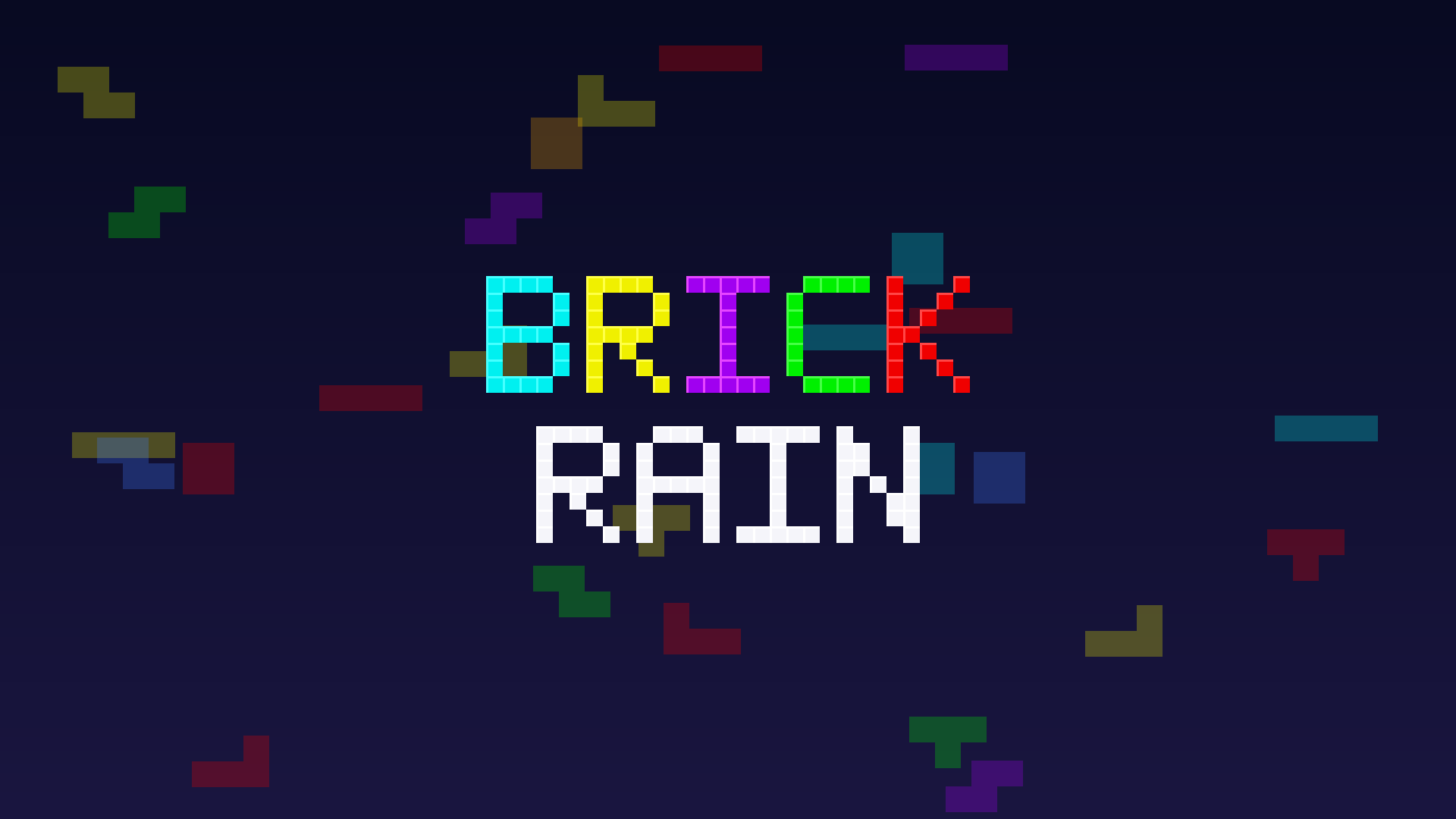
Steer the falling tetrominoes into the well, complete horizontal lines to clear them, and survive as the speed climbs every 10 lines.
Controls (Roku remote)
| Button | Action |
|---|---|
| Left / Right | Move piece |
| Down | Soft drop (hold to repeat) |
| OK | Rotate clockwise |
| Up | Hard drop |
| Rewind (◀◀) | Rotate counter-clockwise |
| Fast-forward (▶▶) | Hold piece |
| Play / Pause | Pause / resume |
| Back | Pause menu; from the menu, exit |
Rules
- 10 × 20 well, the 7 standard tetrominoes dealt from a shuffled 7-bag.
- Super Rotation System (SRS) with standard wall kicks; a ghost piece shows the landing spot.
- Hold one piece (once per piece); the next 3 pieces are previewed.
- Line clears score 100 / 300 / 500 / 800 × level for 1 / 2 / 3 / 4 lines; soft drop +1, hard drop +2 per cell.
- Level up every 10 cleared lines — gravity accelerates and the well changes theme.
- High scores persist on the device; the dashboard ranks them by score.
How to run it
On a real Roku (developer mode)
git clone https://github.com/HectorIFC/BrickRain.git
cd BrickRain
npm install
cp .env.example .env          # set ROKU_DEV_TARGET (device IP) and ROKU_DEV_PASSWORD
npm run deploy                # builds and sideloads out/brickrain.zip
Enable developer mode first: on the remote press Home ×3, Up, Up, Right, Left, Right, Left, Right.
Without a Roku (in the browser via brs-engine)
npm install
npm run build                 # produces out/brickrain.zip
npm run test:logic            # run the full logic suite headless (no device)
Drop out/brickrain.zip into the
brs-engine web app
to play the channel in a browser.
Architecture & credits
BrickRain is split into a pure functional core
(source/logic/ — plain data in, plain data out, no SceneGraph
dependencies) and a thin imperative shell
(components/ — SceneGraph nodes that render state and forward input).
That separation is what makes the whole game testable without a device: the core
is covered by Rooibos and a headless brs-node suite. See the
README for the deep dive.
All artwork and audio are original, generated from scratch by the
scripts in tools/ (generate_artwork.py,
generate_sounds.py) — no third-party assets, no copyright concerns.